We set up, migrate and manage Microsoft 365, Teams and Google Workspace, and secure every device and sign-in, so your people can collaborate easily from the office, at home or on the move.
- Microsoft 365 and Google Workspace
- Devices secured and managed
- Migrations without disruption
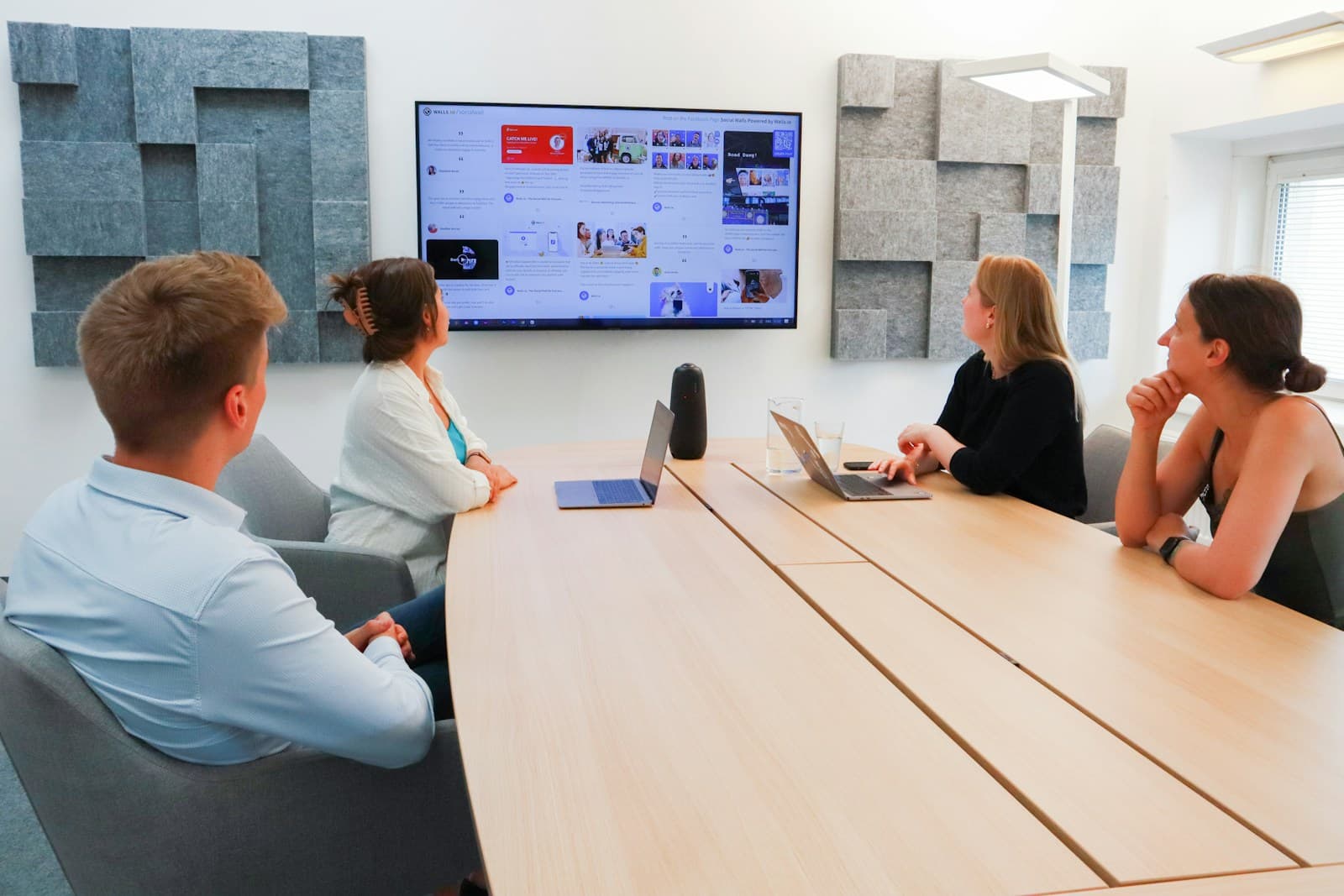
28%
of working adults in Great Britain now hybrid work (ONS, 2025)
The basics
What is a modern workplace?
A modern workplace is the set of digital tools, devices and security that lets people communicate, collaborate and get work done from anywhere, safely.
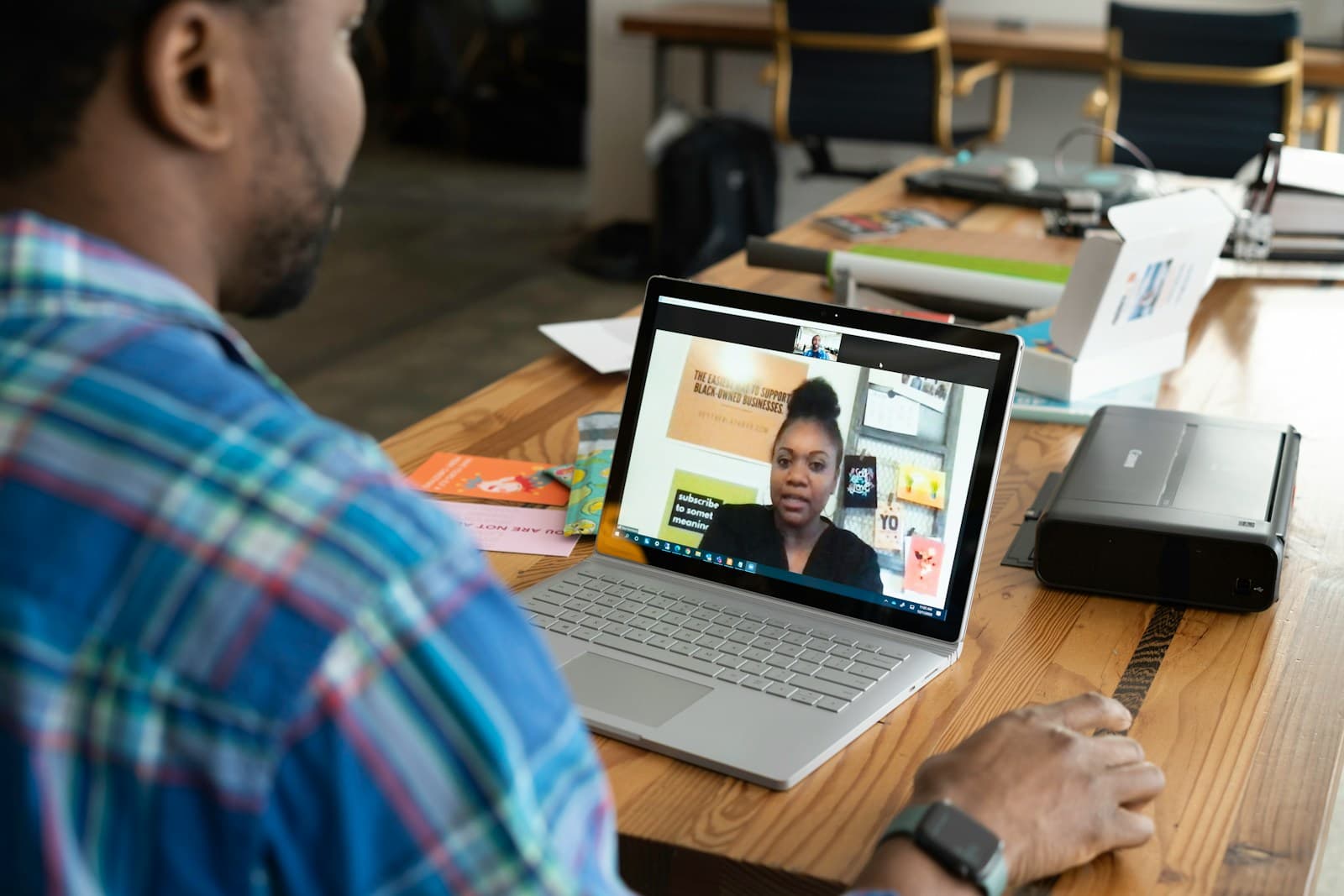
For most organisations, the modern workplace is built on a cloud productivity suite such as Microsoft 365 or Google Workspace. Email, calendars, chat, video meetings and documents live in the cloud, so people can work together on the same file in real time and pick up where they left off on any device. Tools such as Microsoft Teams, SharePoint and OneDrive, or Google Drive and Meet, replace the file server, the desk phone and endless email attachments with one connected place to work.
Just as important is what sits underneath. Every laptop and phone needs to be set up, updated and protected, whether it's in the office or at someone's kitchen table, which is where device management tools such as Microsoft Intune come in. Identity becomes the new security perimeter, so single sign-on, multi-factor authentication and conditional access decide who can reach what. With AI assistants like Microsoft Copilot now built into everyday apps, good data governance matters more than ever, because an assistant can find anything a person has access to. A well-run modern workplace brings all of this together, so it's simple for staff, secure for the business and cost-effective to manage.
- A
Collaboration tools
Email, chat, meetings, files and AI assistants in one cloud suite that works on any device.
Example: A proposal is co-written in Teams while the client joins the call.
- +
Secure foundations
Managed devices, protected identities and governed data, so access is simple for staff and safe for the business.
Example: A lost laptop is locked and wiped remotely within minutes.
- =
A modern workplace
Tools people enjoy using, supported and secured behind the scenes, wherever and however they work.
Example: A new starter is productive on day one with a laptop sent to their home.
How work is changing
Hybrid work and AI are now the norm
Where and how people work has changed for good. Your technology needs to support people in every location without weakening security.
28%
of working adults in Great Britain hybrid worked in early 2025, a share that has risen since 2022 (ONS)
75%
of knowledge workers already use generative AI at work (Microsoft and LinkedIn, 2024)
78%
of those AI users bring their own AI tools to work, often without IT's knowledge (Microsoft and LinkedIn, 2024)
40%
of UK businesses use two-factor authentication on their networks or applications (DSIT, 2025)
Hybrid working is highest in knowledge-based industries
Around half of people working in information and communication, and more than two in five in professional services, now split their week between home and the workplace.
Source: ONS, Who are the hybrid workers? (November 2024)
| Industry | Share |
|---|---|
| All workers | 28% |
| Info and comms | 49% |
| Professional | 42% |
| Hospitality | 4% |
Common challenges
The problems we solve most often
Most workplace technology grows piece by piece. These are the issues we help organisations untangle.
Scattered files and tools
Documents spread across file servers, personal drives and email, with no single version of the truth.
Unmanaged devices
Laptops and phones that aren't updated, encrypted or recoverable when they're lost or someone leaves.
Shadow IT and AI
Staff using unapproved apps and AI tools with company data because the approved ones don't meet their needs.
Sign-in frustration
Too many passwords, no single sign-on and inconsistent multi-factor authentication.
Risky migrations
Moves between email or file platforms that lose data, break permissions or disrupt people's work.
Licence sprawl
Paying for unused or overlapping licences, while features you already own go unused.
What's included
Everything your people need to work well
We plan, deliver and run your workplace technology, and scale the service as your team grows.
Microsoft 365 and Google Workspace
Setup, configuration and best-practice security for your productivity suite.
Email and file migration
Moves from other platforms, file servers or tenants, planned to avoid disruption.
Teams and collaboration
Teams, SharePoint and OneDrive structured around how your organisation works.
Device management
Windows, Mac, iOS and Android devices enrolled, configured, updated and protected.
Identity and access
Single sign-on, multi-factor authentication and conditional access policies.
Data protection and governance
Sensitivity labels, data loss prevention, retention and secure external sharing.
Copilot and AI readiness
Permissions cleaned up and guardrails set so AI assistants are useful and safe.
Backup and recovery
Independent backup of mailboxes, files and Teams, so deleted data can be restored.
User support and adoption
Training, guides and a responsive helpdesk that help people get the most from their tools.
- Gmail
- Google Drive
- Google Meet
- Zoom
- Notion
- Miro
- Jira
- Confluence
- Dropbox
- Box
- 1Password
- Okta
- Auth0
- Apple
- Android
- Citrix
- Cloudflare
- Veeam
- Figma
Technologies
The platforms behind a modern workplace
We're experienced across the leading workplace platforms and help you get full value from the licences you already pay for, before recommending anything new.
01
Productivity and collaboration
Email, chat, meetings and documents in the cloud.
- Microsoft 365
- Microsoft Teams
- SharePoint
- OneDrive
- Gmail
- Google Drive
- Google Meet
- Zoom
- Slack
02
Devices and endpoints
Managing and protecting laptops, desktops and mobile devices.
- Microsoft Intune
- Jamf
- Windows 11
- Apple
- Android
03
Identity and access
One secure sign-in for every app, with the right access for each person.
- Microsoft Entra ID
- Okta
- Auth0
- 1Password
04
Security and compliance
Protecting email, devices and data, and meeting your compliance needs.
- Microsoft Defender
- Microsoft Purview
- Mimecast
- Cloudflare
05
AI and work management
Assistants and tools that help teams plan, track and get work done.
- Microsoft Copilot
- Notion
- Miro
- Jira
- Confluence
06
Files, backup and remote access
Keeping data recoverable and giving secure access to legacy apps.
- Dropbox
- Box
- Veeam
- Citrix
Product names and logos are trademarks of their respective owners and are shown to illustrate the technologies available. Their use does not imply endorsement or partnership.
The benefits
What a modern workplace brings to your organisation
Better collaboration
People work together on the same files in real time, wherever they are.
Work from anywhere
A consistent, secure experience in the office, at home and on the move.
Stronger security
Protected identities, managed devices and governed data.
Lower costs
Fewer servers to maintain and licences matched to what people actually use.
Faster onboarding
New starters get a ready-to-go laptop and access on their first day.
Ready for AI
Clean, well-governed data so assistants like Copilot can help safely.
Many businesses still lack the basics
Most UK businesses have malware protection and password policies, but far fewer use two-factor authentication or restrict access to company-owned devices. These are exactly the controls a modern workplace puts in place.
Source: DSIT, Cyber Security Breaches Survey 2025
| Control | Share |
|---|---|
| Malware protection | 77% |
| Password policy | 73% |
| Company devices only | 61% |
| Two-factor auth | 40% |
| VPN | 31% |
Standards and good practice
Configured to recognised good practice
We set up your workplace following established security baselines, so it's secure by default and easy to evidence to customers and auditors.
Cyber Essentials
The UK Government-backed baseline covering secure configuration, updates, access and malware protection.
NCSC device security guidance
The National Cyber Security Centre's advice on securing laptops, phones and tablets.
CIS Microsoft 365 Benchmark
Detailed, consensus-based security settings for Microsoft 365.
Zero Trust principles
Never assume trust: verify every user and device, every time, with least-privilege access.
UK GDPR
Personal data kept secure, retained appropriately and shared only when it should be.
ISO/IEC 27001
Workplace controls that support an information security management system.
Microsoft Secure Score
A measurable view of your Microsoft 365 security, tracked and improved over time.
WCAG and accessibility
Accessibility features and settings that help everyone work comfortably.

The business perspective
What leaders are weighing up
Workplace technology shapes how productive, secure and attractive an employer you are. These are the questions we help leaders answer.
Are we paying for what we use?
Which licences are unused, duplicated or on the wrong plan?
Is our data safe on every device?
Could we protect company data if a laptop were lost or someone left today?
Are we ready for AI?
Would an AI assistant surface information people shouldn't see?
Do our tools help people?
Are staff productive, or working around tools that frustrate them?
Getting started
How to modernise your workplace, step by step

- 1
Review what you have
Map your tools, licences, devices, data and how people really work.
- 2
Secure identities first
Turn on multi-factor authentication and single sign-on before anything else.
- 3
Move and organise your data
Migrate email and files into a clear structure with the right permissions.
- 4
Manage every device
Enrol laptops and phones so they're updated, encrypted and recoverable.
- 5
Help people adopt it
Training and support so new tools become everyday habits.
Our approach
How we modernise your workplace
We plan carefully, migrate in stages and keep people informed, so changes happen with as little disruption as possible.
- 01
Assess
Review your current tools, licences, devices, security and ways of working.
You get: A clear picture and prioritised plan
- 02
Design
Design your tenant, security policies, data structure and device setup.
You get: A secure, documented target design
- 03
Migrate
Move mailboxes, files and devices in planned waves, tested before each cutover.
You get: Everyone moved, with nothing lost
- 04
Adopt
Train and support people so they use the new tools with confidence.
You get: Teams using the tools well
- 05
Manage
Support users, keep everything updated and secure, and review licences regularly.
You get: A workplace that stays secure and cost-effective
Why Anthrasec
Why choose Anthrasec for your modern workplace
Security-first
We come from cybersecurity, so your workplace is secure by default, not as an afterthought.
Independent advice
We recommend what fits your people and budget, including making better use of what you have.
Careful migrations
Planned, tested and communicated, so work carries on while things change.
One team for everything
Workplace, cloud, infrastructure and security support from one partner.
People-focused
Training and friendly support that help your people get real value from their tools.
Ongoing care
We keep your workplace updated, secure and right-sized as you grow.
Common questions
Modern workplace, answered
Should we choose Microsoft 365 or Google Workspace?
Both are excellent. Microsoft 365 suits organisations that rely on desktop Office apps, Windows devices and advanced security and compliance features. Google Workspace is simple, browser-first and well suited to highly collaborative teams. We'll recommend the best fit for how you work and what you already use.
How long does a Microsoft 365 migration take?
Small organisations can often move in a few weeks. Larger migrations are planned in waves over a few months. We migrate data in the background ahead of each cutover, so the switch itself is quick and people keep working.
Will we lose any emails or files during migration?
No. We test the migration first, move data in stages, check it after each wave and keep the old system available until everything is confirmed.
Do we need to back up Microsoft 365?
We recommend it. Microsoft keeps the service running, but protecting your data from accidental deletion, ransomware or a departing employee is your responsibility. An independent backup means you can restore mailboxes, files and Teams data quickly.
Can you manage both Windows and Mac devices?
Yes. We manage Windows, macOS, iOS and Android devices, including company-owned and personal devices, using tools such as Microsoft Intune and Jamf.
Are we ready for Microsoft Copilot?
Copilot can see anything a person has permission to access, so overshared files become a risk. We review permissions, apply sensitivity labels and set up governance so AI helps your people without exposing sensitive information.
What about devices still running Windows 10?
Windows 10 reached the end of mainstream support in October 2025, so unsupported devices no longer receive regular security updates. We can help you upgrade eligible devices to Windows 11 or replace those that can't be upgraded.
Work with us
Ready to work with Anthrasec?
Let's schedule a meeting.
Pick a time that suits you and tell us a little about what you need. We'll come prepared, with the right people in the room.
Step 1 of 4
Choose a date and time
October 2026
Checking availability…
Times are shown in UK time (London). Meetings are held on Microsoft Teams.
Available times
Choose a date to see available times.